
This topic covers how to set up QuoteValet payment processing to work with Clover. To set up the integration, you will need your Clover API token.
1. Navigate to Setup -> Options -> QuoteValet -> Payment Processing and click on the new  button to configure a new gateway. The window pictured below will open. Select Clover from the Gateway dropdown menu.
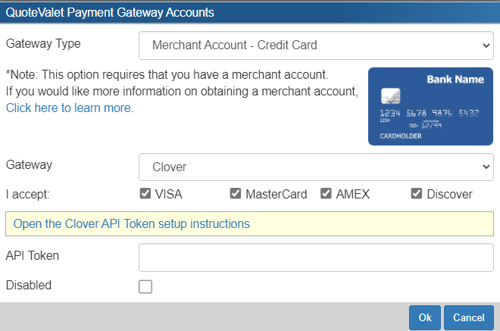
2. Setup an Ecommerce API Token by following the instructions on this page: https://docs.clover.com/dev/docs/setting-up-an-api-token
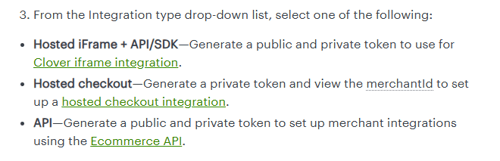
IMPORTANT: When you are selecting the integration type (Step 2, number 3) it is important to select API - Generate a public and private token to set up merchant integrations using the Ecommerce API. See below.
3. Enter the types of credit cards you accept on the QuoteValet Payment Gateway Accounts page.
4. Enter the Private Token retrieved from step number 2 on the Clover site in the QuoteWerks API Token field.