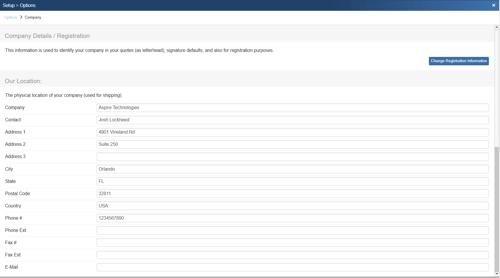
To access the Company page, navigate to Setup -> Options -> Company.
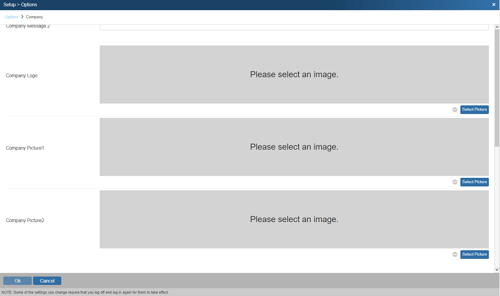
The Company page is used to store information about your company. Here you can specify the physical location of your company which can then be used in cover pages, print layouts and literature, and is also used for shipping. You also have the option to add a custom logo and 2 custom pictures to help brand your documents. The company logo is printed on QuoteWerks default PDF outputs and company pictures and messages can be added as well using the appropriate macros.
If you would like to change your registration information, which is also printed on default PDF and QuoteValet outputs click on Change Registration Information.