
To access Cost Modifier Maintenance navigate to Setup -> Options -> Cost Modifier Maintenance. On this page you can set your Cost Modifier defaults which can be selected from the cost modifier column on the Document Items tab of the Quote Workbook. You can specify both the modifier and the description. Typing these modifiers into the cost modifier field will apply the appropriate price modifier whether it is for a single line item or as a document default.
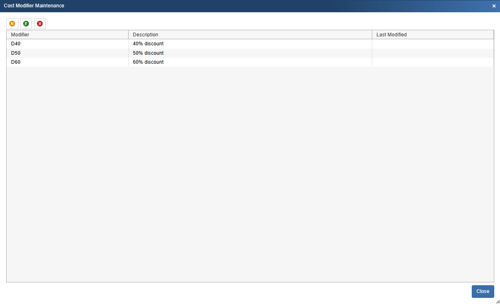
To create a new Cost Modifier click on the new ( ) button. Type in the modifier, select the modifier type, and add a description. This will also record the last modified date.
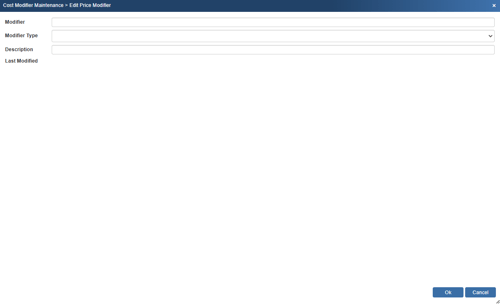
To edit an existing Cost Modifier select the one you wish to edit and click on the edit ( ) button.
To remove and existing Cost Modifier select the one you would like to remove and click on the delete ( ) button.