
Overview
Before you can setup and use the EET Real-time Pricing & Availability features, you will need to obtain your credentials from EET.
Setup
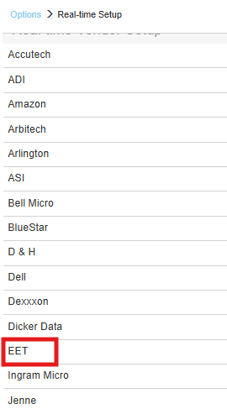
1. To setup EET Real-time pricing and availability navigate to Setup > Options > Real-time and select EET.
2. Input your Customer Number, Auth Code, Cid, TimeOut and Website information and click [OK].
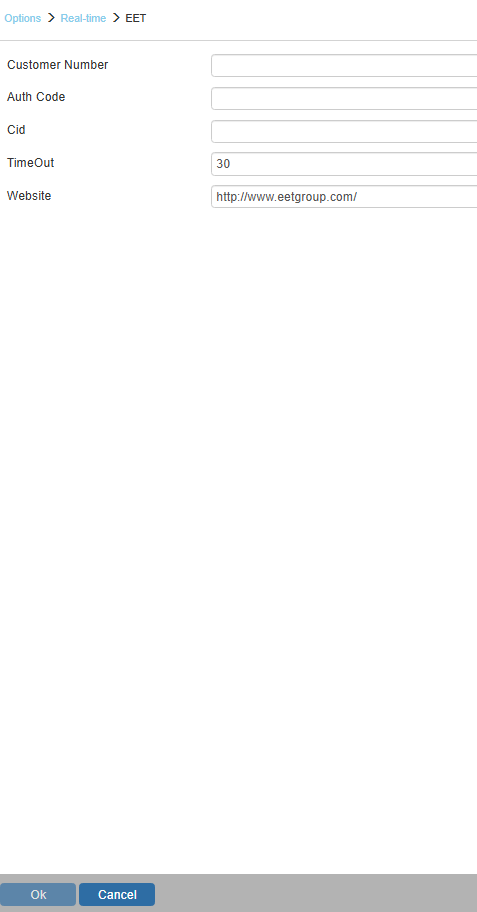
Customer Number
Enter your customer number under this setting.
Auth Code
Add your Authorization code provided by EET.
Cid
Enter your CID code provided by EET.