
Step 1: Navigate to Setup -> Product Data Sources.
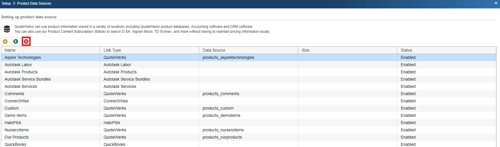
Select the database that you wish to unlink and click on the  [Remove] button. Unlinking a database just removes it from your list of choices when searching for products. It does not delete the database file.
NOTE: The deletion of new Product Data Sources can be restricted per user with the “CannotDeleteProductDataSource” Misc. Access Right.
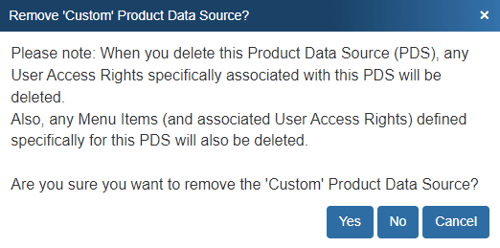
Step 2: Once you click on the [Remove] button you will be prompted to confirm your decision to remove the product database link:
Step 3: In addition to removing the link, QuoteWerks will prompt you and ask if you want to delete the physical product database:
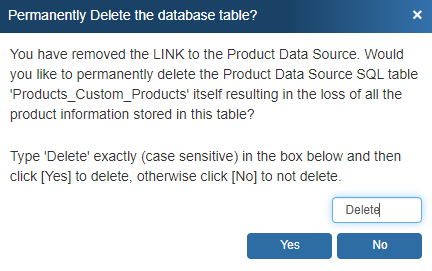
Simply type in the word “Delete” and click [Yes] to delete the database. Otherwise click on [No].
NOTE: When a user removes a Product Data Source, the removal will be logged in the event.log file.