
To set QuickBooks Online as a Product Datasource and to be able to pull in products from the QuickBooks Online items list navigate to the Items Tab of the QuickBooks online setup window.
This is accessed by navigating to Setup -> Options -> Accounting -> Setup Link -> Items.

Here you will want to select Display QuickBooks Item List in QuoteWerks Product Lookup.
With this option selected QuickBooks will be listed as a Product Database in the Product Lookup Window. This window can be accessed by clicking on Products from the Navigation panel or navigating to the Products -> Lookup... dropdown menu.
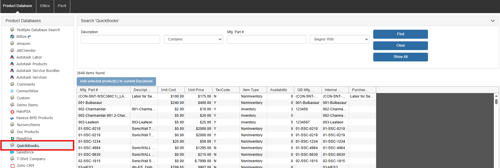
From here you can select items from the QuickBooks Item list and add them to your quote by clicking on Add selected product(s) to current Document.
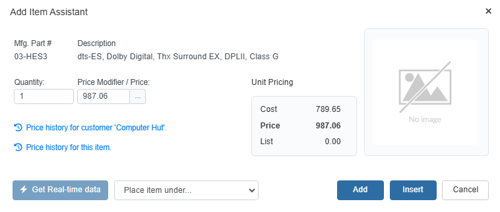
Click Add or Insert to include the item(s) on your currently open quote.