
Navigate to Setup -> Options -> Company
Company Details / Registration

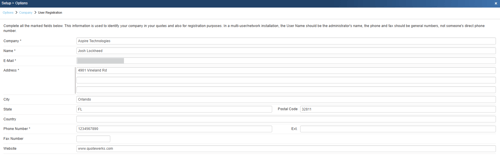
Click on Change Registration Information to update your company details. This information is used to identify your company in your quotes and also for registration purposes
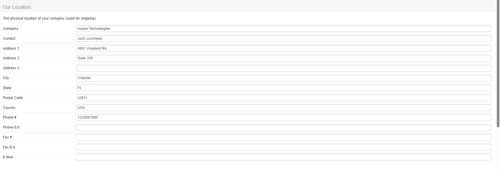
Our Location
This information is used for shipping purposes and can be printed on printed outputs.
On this page you can also input a Company Message (1 & 2), Company Logo, and Company Picture (1 & 2) as seen below. These can also be included on PDF outputs.
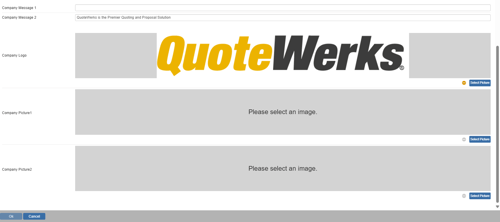
Once you have input your registration, location information, company messages, logo, and pictures click OK to save your changes.