
The Real-time Leasing integration currently includes GreatAmerica Financial Services. This integration enables users to automatically calculate the leasing rate for any quote in QuoteWerks with up to the minute rates provided by GreatAmerica.
NOTE: In order to use GreatAmerica Real Time leasing you must have the Pinnacle Edition of QuoteWerks.
GreatAmerica Integration Setup
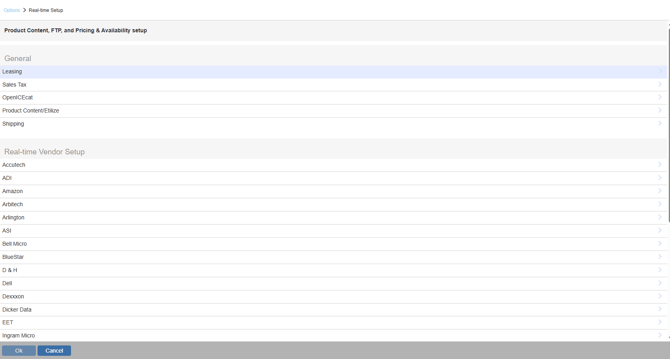
Navigate to the Real-time module tab in QuoteWerks under Setup-> Options-> Real-time-> Leasing.
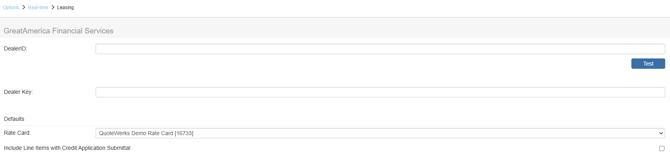
DealerID: Request this ID by contacting your GreatAmerica sales rep.
Dealer Key: Request this by contacting your GreatAmerica Sales rep. You will only need this key if you want to submit credit applications via QuoteWerks.
Once you have added the DealerID (and possibly the Dealer Key) into QuoteWerks, click on the [Test] button to ensure they work. After the test is successful, you can set a default rate card to use for your quotes from the drop-down. Click [OK] to exit the setup.
Using the Leasing Integration
To use this integration, view the Lease Payment Options section of the Help File.