
The QuoteWerks Native Contact Manager, also known as the Built-In Contact Database, is an integrated customer and company management tool that allows users to maintain customer records directly within QuoteWerks, eliminating the need for a separate CRM system. It enables users to store and manage companies and contacts, including multiple contacts associated with a single organization. Users can quickly search for records using company names, contact names, phone numbers, email addresses, or custom fields. The Native Contact Manager also streamlines the quoting process by automatically populating quote fields such as Sold To, Ship To, and Bill To with stored customer information. In addition, it supports the storage of notes, custom fields, and other customer-specific details, while providing the flexibility to import contacts from external sources and easily move, clone, edit, or delete records as needed.
To setup the QuoteWerks Native Contact Manager navigate to Setup -> CRM Integrations and select QuoteWerks from the Select Primary CRM Integration dropdown menu.
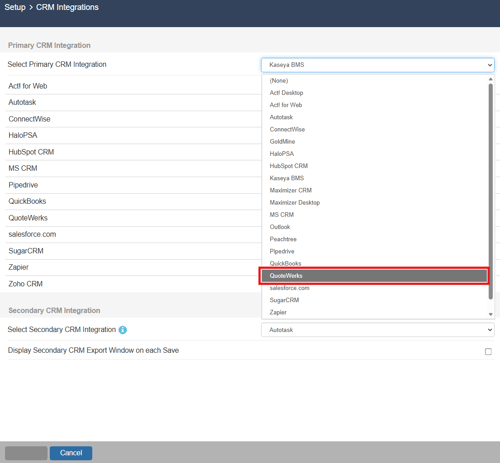
Then, select QuoteWerks from the list of available CRMs.
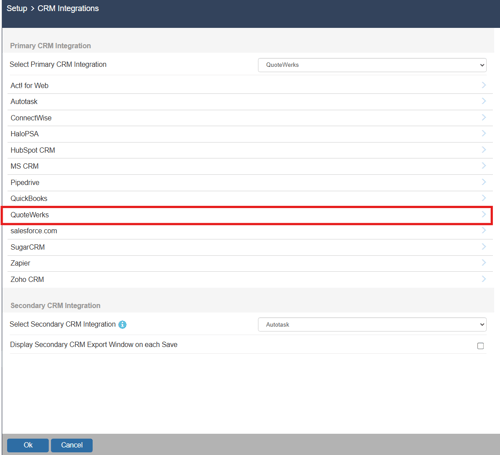
From this window you can import contacts and/or set up Datalinks to push and pull information from the QuoteWerks Native Contact Manager.
