
The TD Synnex quote importer enables you to pull in quote information from quotes that were created on the TD Synnex website using the account you have configured in the QuoteWerks real-time setup. This is useful as you do not need to copy and paste product and cost information from the TD Synnex website - you can directly import this information into QuoteWerks by simply searching by the quote or PO number.
To begin, create a quote on the TD Synnex website using the account tied the credentials you have used to authenticate in the QuoteWerks Real-time setup.
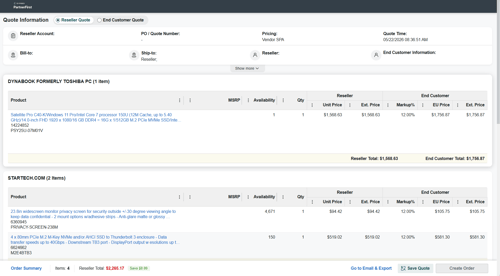

Login to QuoteWerks, open a quote, and click on the TD Synnex Quote Importer button  on the Grid Toolbar.

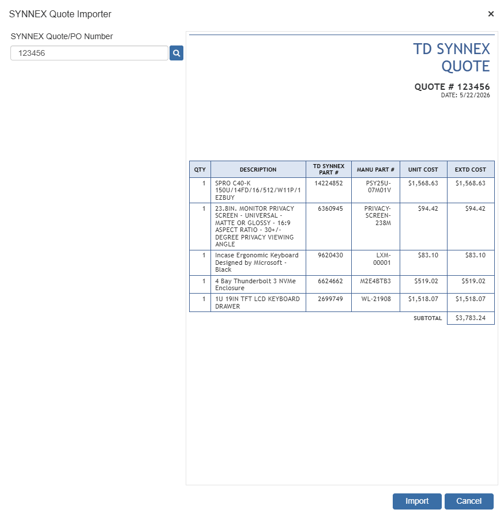
This opens the TD Synnex Quote Importer window. Here you will want to input the quote or PO number and click on the  button to search for your quote. The quote will appear on the right side of the window.
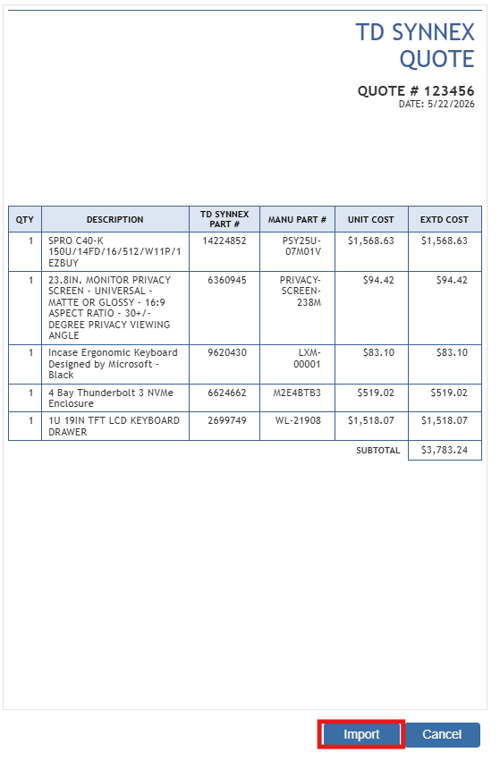
To import the quote information into your open QuoteWerks quote click on the import button.
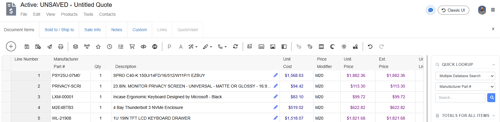
This will populate the fields on the quote with the information from you TD Synnex quote as seen below.
You can now follow the normal quote creation and delivery process.