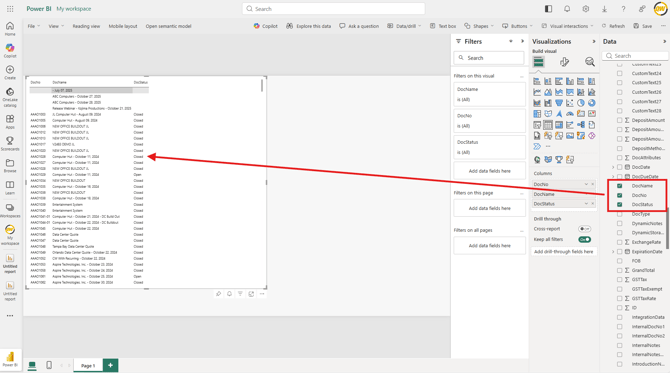
You can use OData v4 to connect your QuoteWerks data in Power BI and other BI tools. See below for instructions on how to connect to Power BI using OData v4.
1. Log in to Power BI.
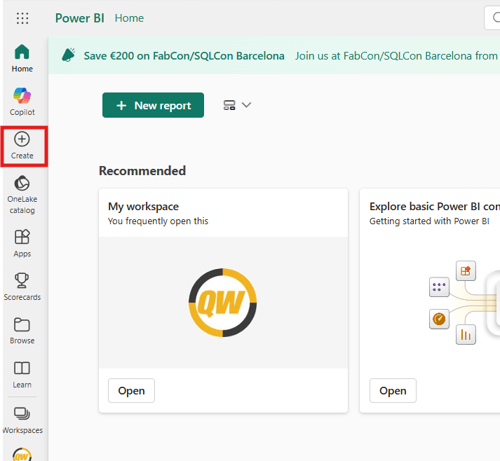
2. Click on Create from the left navigation panel.
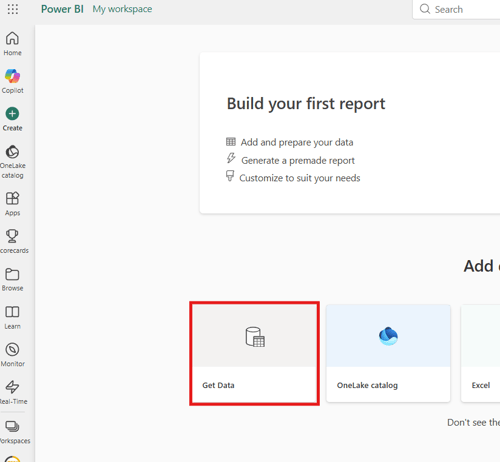
3. Click on Get Data.
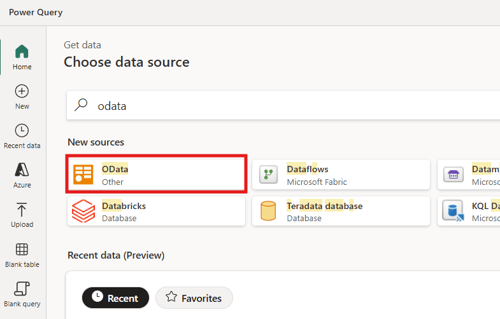
4. Use the search bar to search for and select OData.
5. Input the following information into the Connection settings area:
URL: https://qwwapi.quotewerks.com/odata/v4
Data gateway: (none)
Authentication kind: Basic
Username: TenantAccountNumber|Username
Password: your password
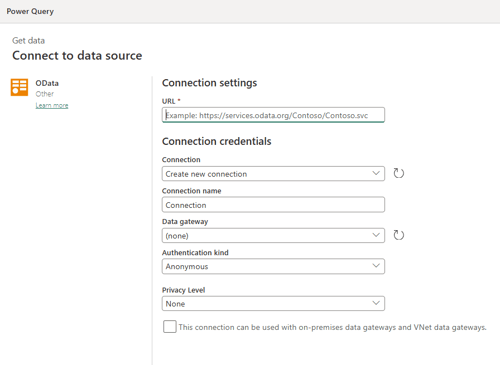
6. Click Next.
7. The available tables from QuoteWerks will be displayed on the left of the screen as seen below.
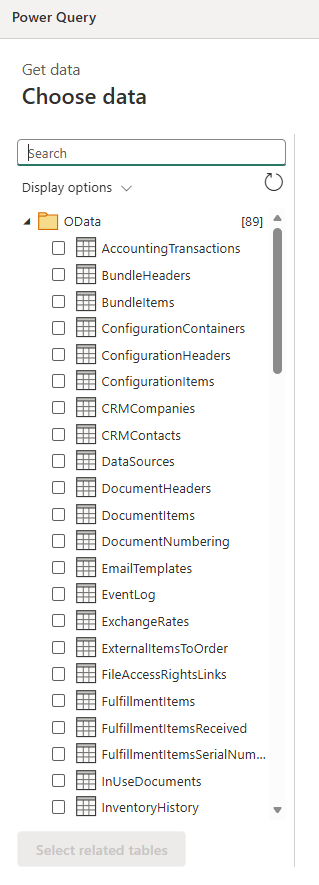
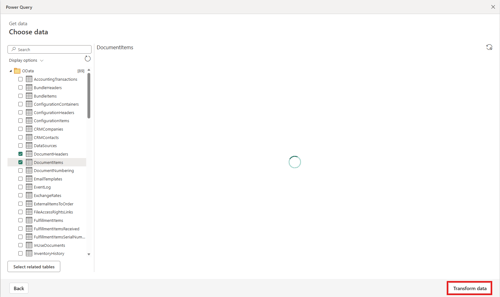
8. Select the table(s) you would like to report on and click Transform data on the bottom right of the window.
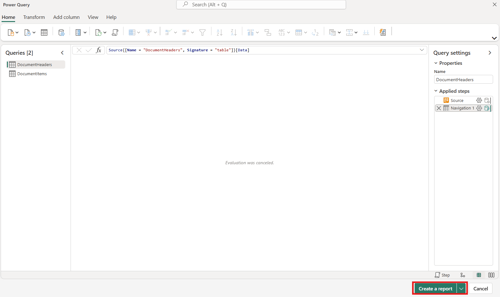
9. The table(s) will load in the Power Query Window. Click on Create a report to begin reporting using the data from the table(s).
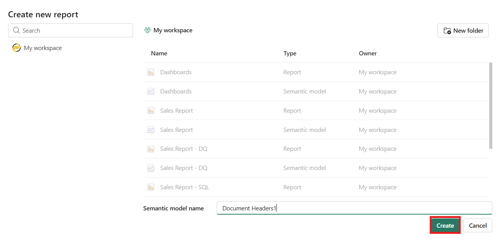
10. Give the report a Semantic model name and click Create.
11. You can now begin building a report by selecting the Data fields from the right side of the window.