
Overview
The Ingram Micro Real-Time Pricing & Availability works with the USA, United Kingdom, Canadian, Belgium, France, Netherlands, New Zealand, and Australian divisions of Ingram Micro. Before you can setup and use the Ingram Micro Real-Time Pricing & Availability features you need to set up your JSON credentials.
Setup
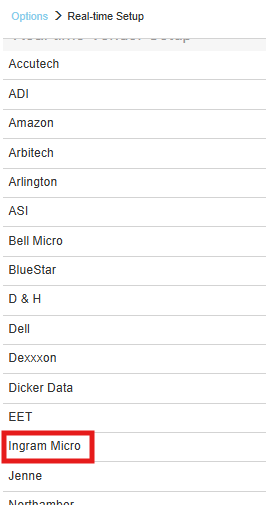
1. To setup Ingram Micro Real-time pricing and availability navigate to Setup > Options > Real-time and select Ingram Micro.
2. Input your Client ID, Client Secret, and Customer Number. Make sure to include the dash.

Region
Make sure to select the region you are in. This is used to determine which real-time resource to use. This also determines which warehouses are available. QuoteWerks supports the USA, United Kingdom, Canadian, French, Netherlands, Australian, New Zealand, and Belgium regions.
Map Ingram Micro Field to QuoteWerks Field
These options enable users to map the Ingram Micro Quote Number, Expiration Date, and the Line Item Comments to a CustomText or CustomMemo fields in QuoteWerks. When mapped, the information in these fields from Ingram Micro will automatically be populated in the QuoteWerks quote.
The Ingram Micro Quote Importer is available on the Grid Toolbar.

Online Ordering
For more information see Ingram Micro Online Ordering.