
Customer Profile Maintenance is used to assign customer profiles from which additional pricing rules can be configured. Navigate to Setup -> Options -> Customer Profile Maintenance to modify the Customer Profile List:
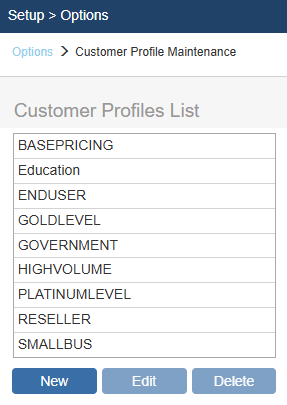
To add a new customer profile, click the [New] button and type in the name of the new profile.
To delete a customer profile, select the profile name then press the [Delete] button.
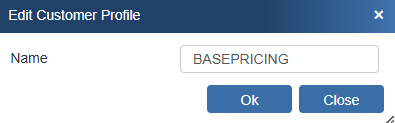
To edit a customer profile, select the profile name then press the [Edit] button type in the name of the new profile:
Additional Related Resources: